Send & Receive Tokens

Send tokens

  1. After you tap on the "Send" button in the dashboard you will be redirected to the first step where to select the asset you want to send
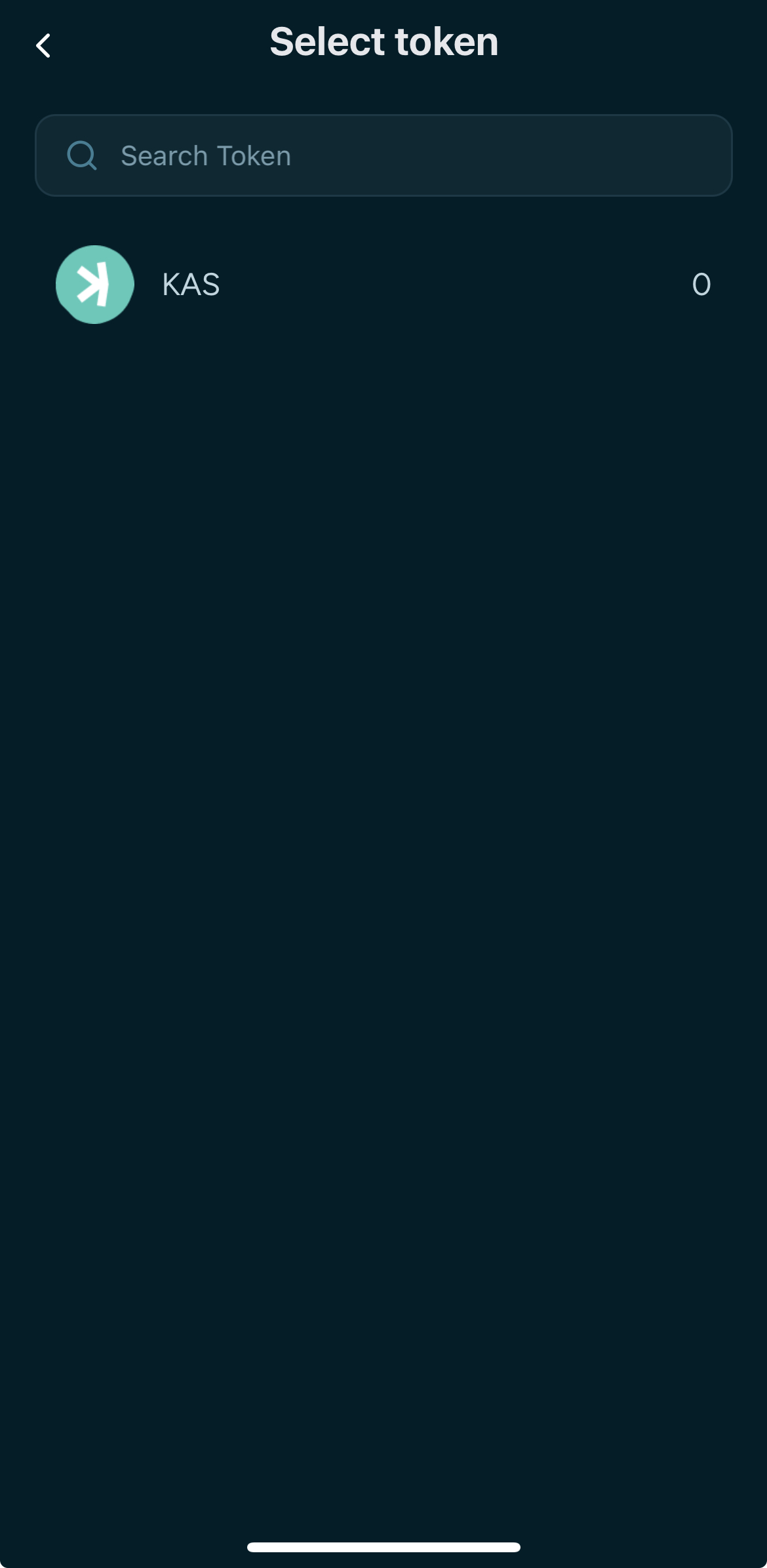
The send flow shows a token list with KAS highlighted and fee information at the bottom. The user selects a token to send.
  1. After you tap on the "Send" button in the dashboard you will be redirected to the first step where to input the receiver's address
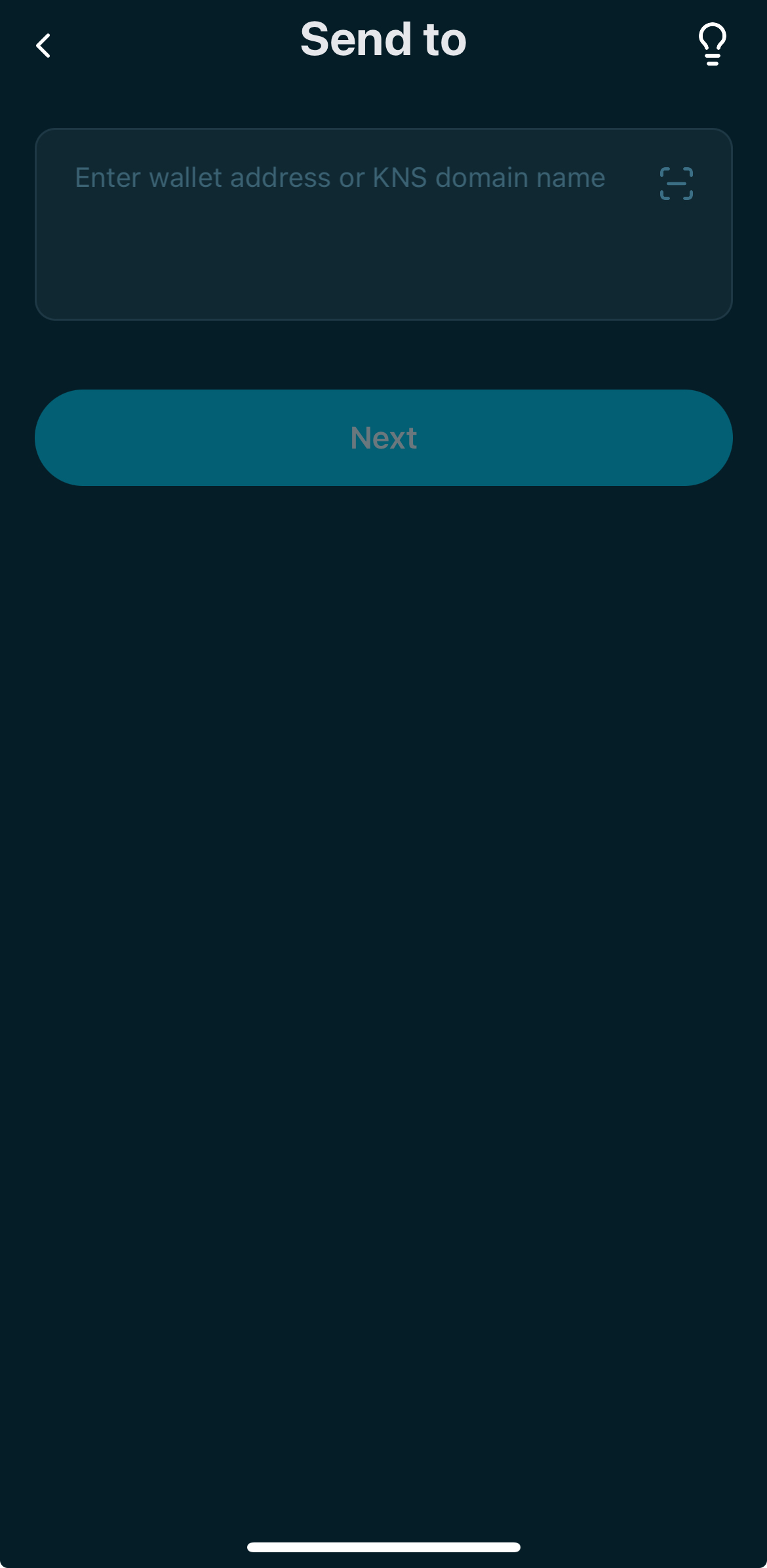
The recipient address field is active with Next enabled. The user pastes or scans the destination address.
  1. After adding the receiver's address, tap on "Next"
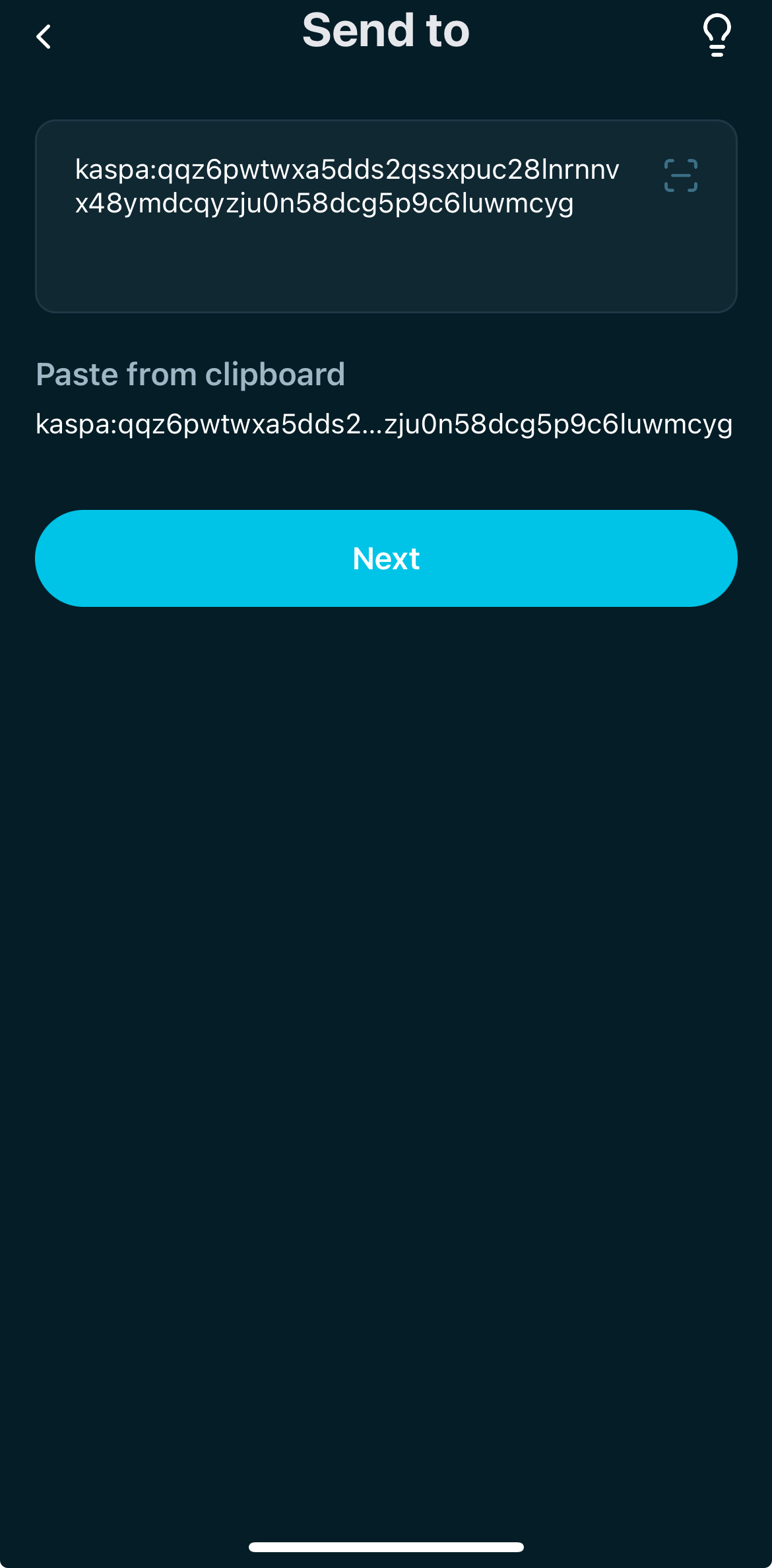
The recipient address is filled and Next is highlighted. The user confirms the destination address.
  1. Now select the amount you want to send by using the app's keyboard and then tap on "Next"
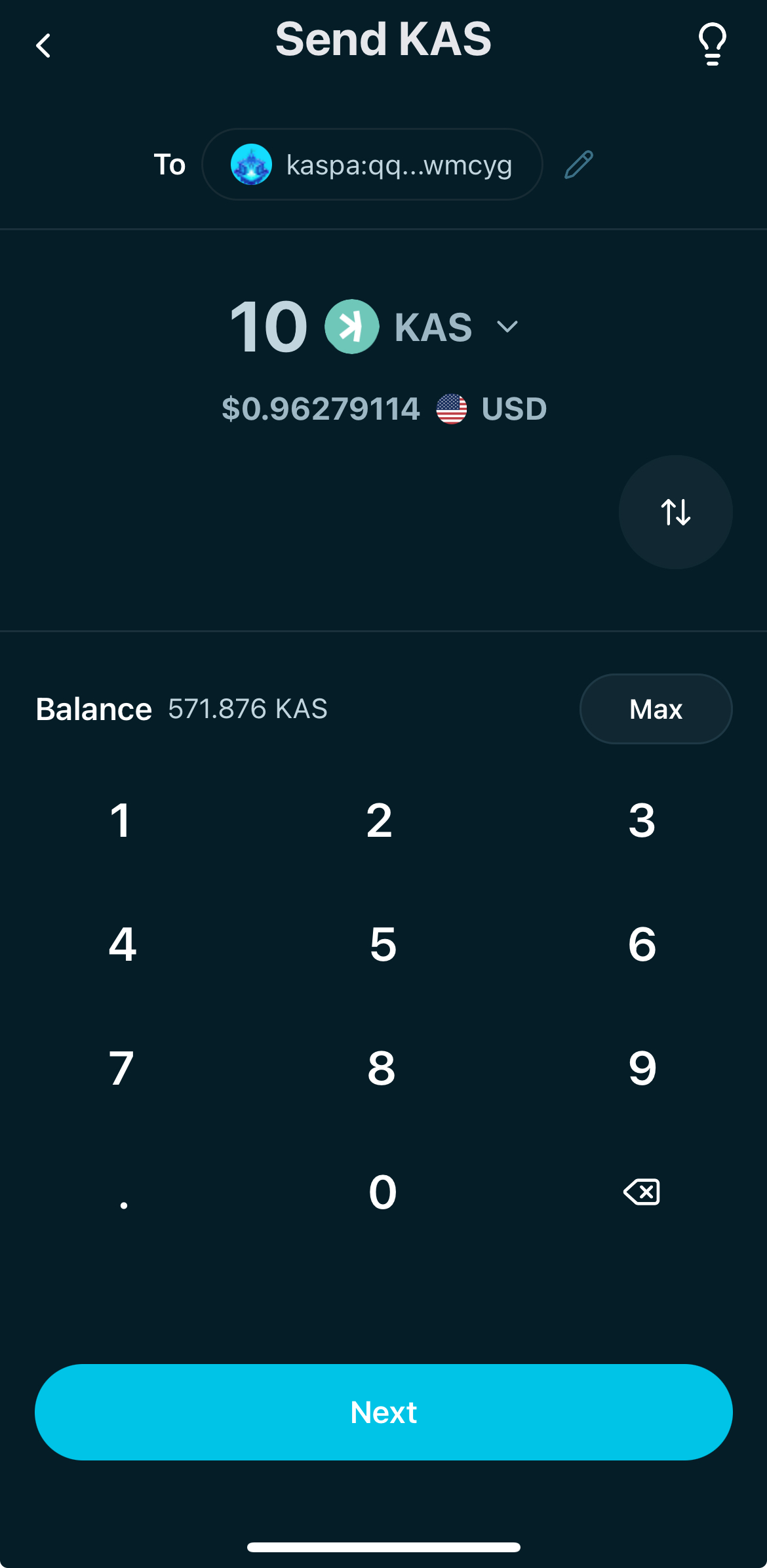
The amount input shows a numeric keypad and the network fee below. The user enters the amount before confirming.
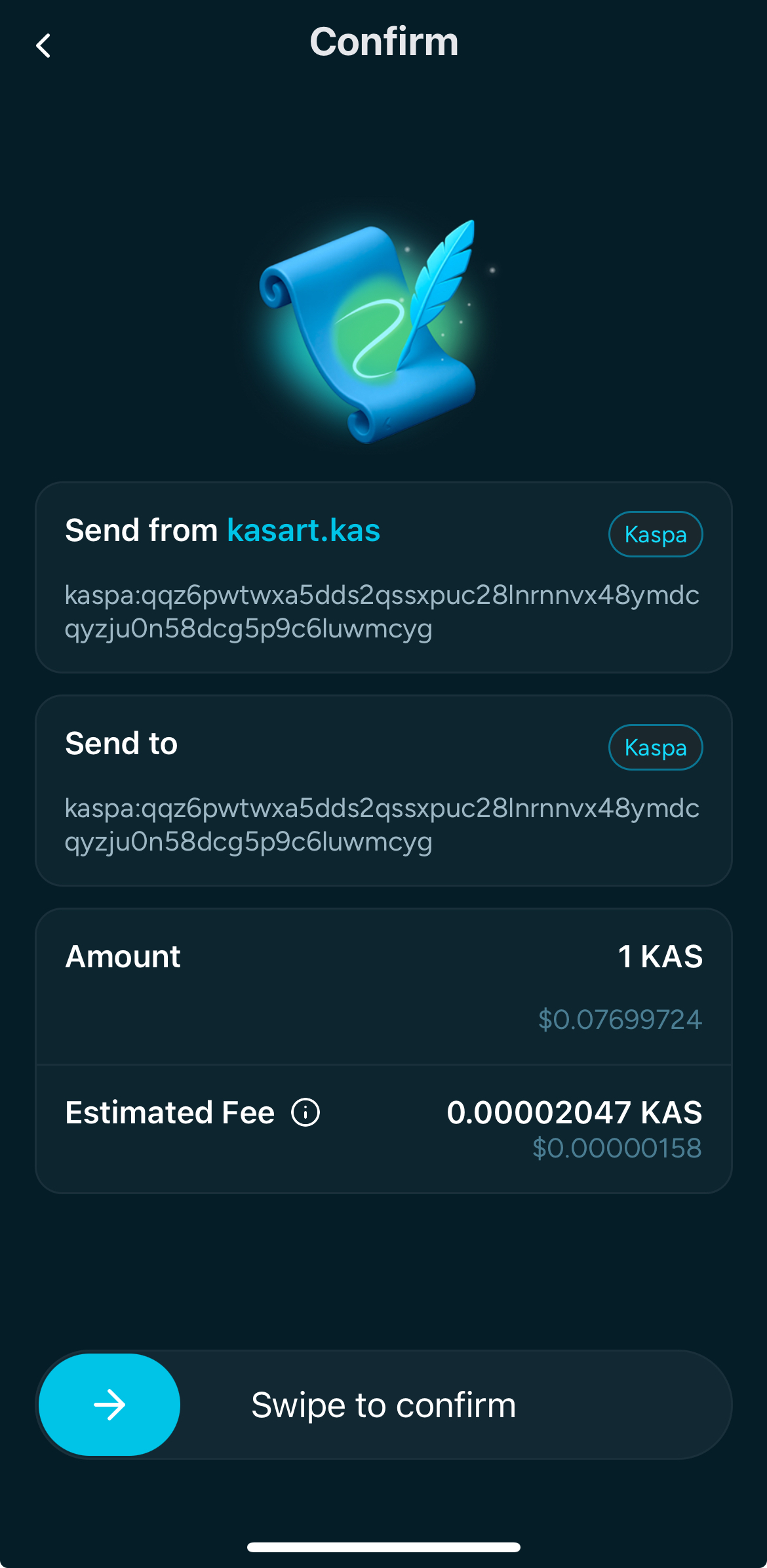
  1. Confirm the transaction by swiping
The confirmation screen shows the amount and fee with a swipe-to-confirm control. The user swipes to submit the transaction.
  1. After the confirmation you should see the "Success" screen if everything went through correctly
The transaction success screen shows a checkmark and a Done action. The user returns to the wallet.

Receive Tokens

  1. To receive tokens just:
    1. Tap on the "Receive" button and select the network you want to copy the address for between Kaspa L1, Kasplex L2 and Igra L2
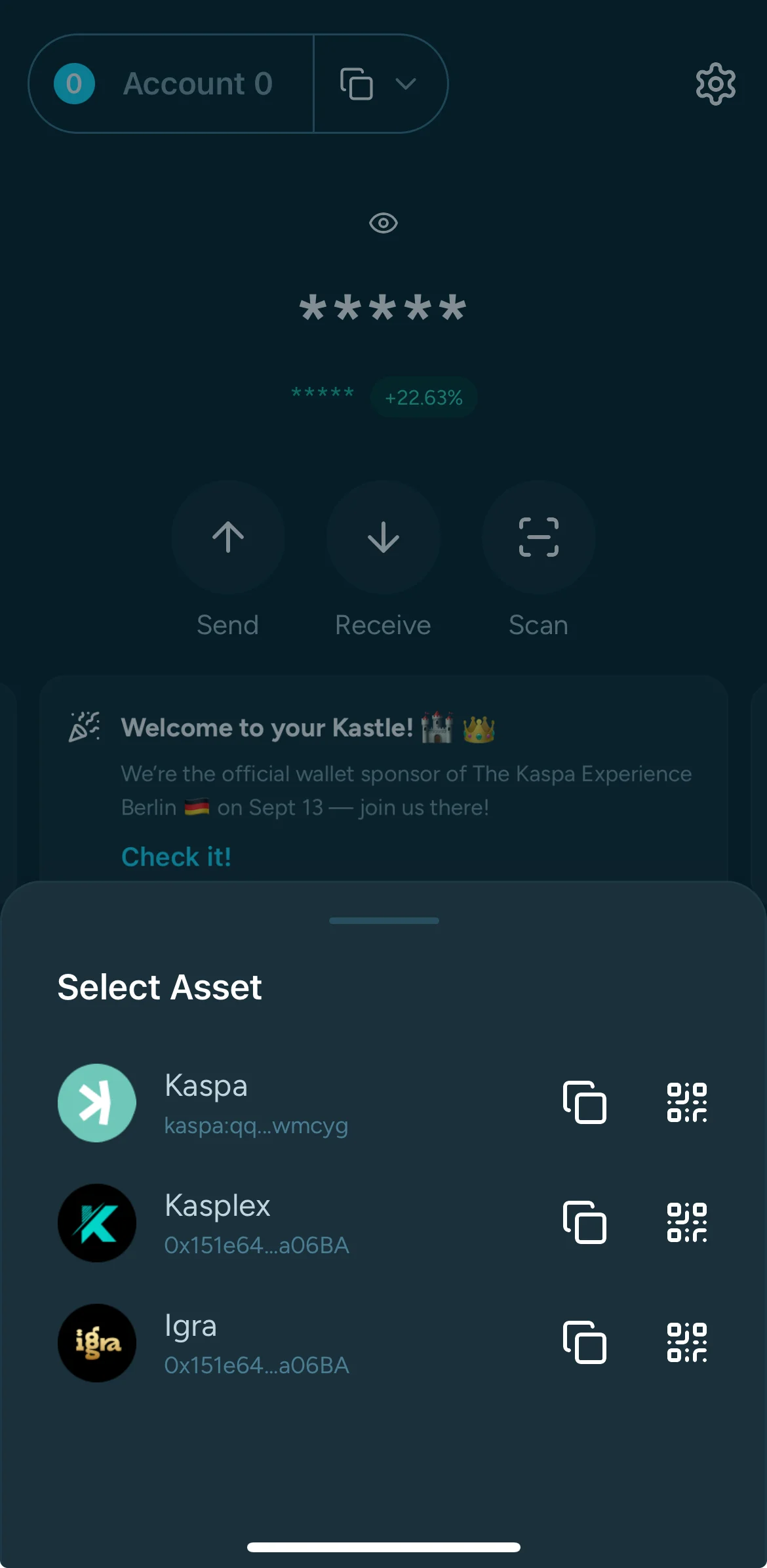
The receive flow network selector lists Kaspa L1, Kasplex L2, and Igra L2. The user chooses a network to receive.
  1. Tap on "Copy" or "Share" and deliver the address to the sender.
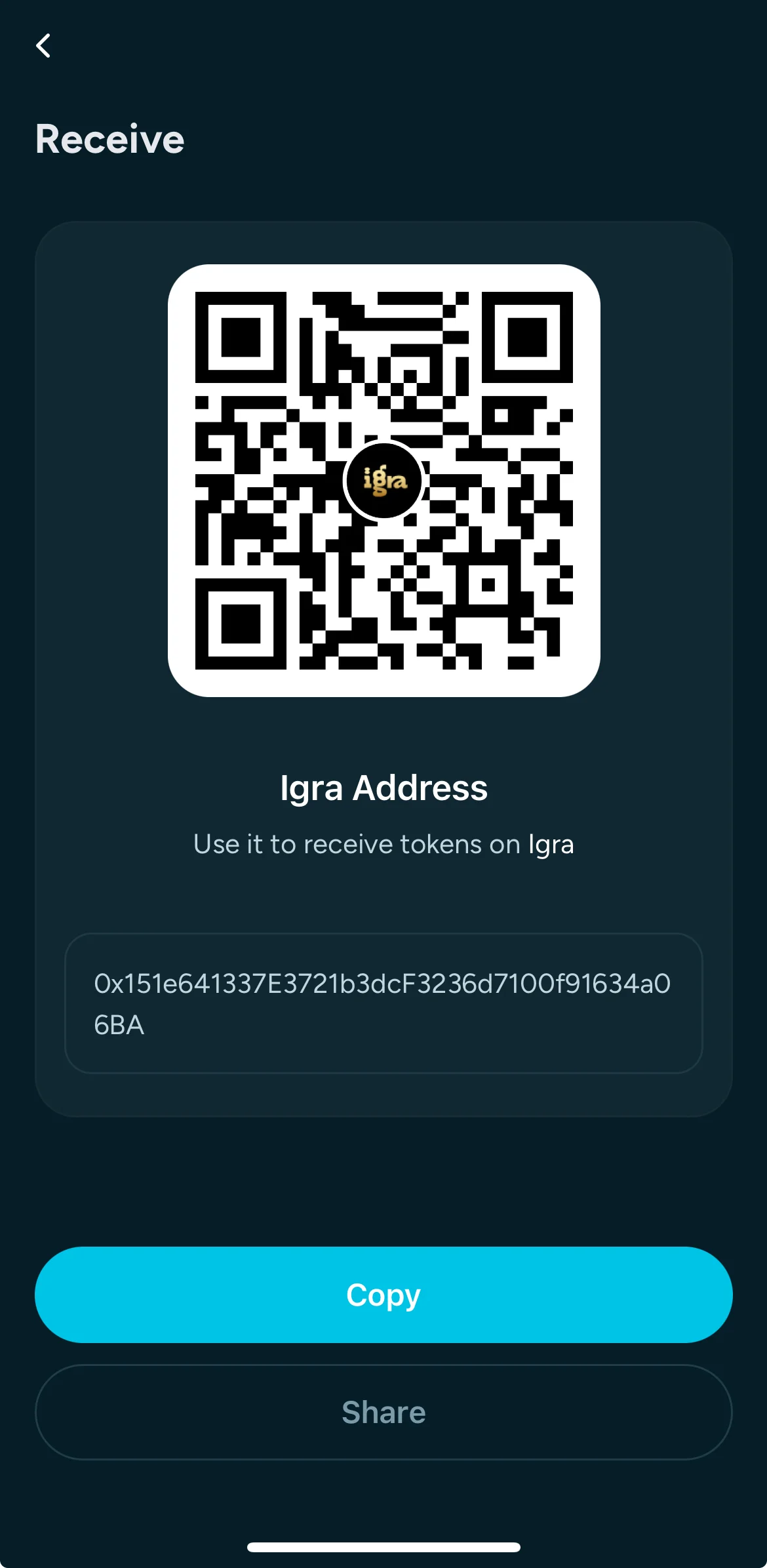
The receive screen shows a QR code and full wallet address with Copy and Share actions. The user shares the receive address.
Kastle Telegram support button – opens @kastlewallet chat
Kastle official X (Twitter) account – opens @kastlewallet
Kastle GitHub repository
Kastle Medium publication – read latest updates

Send & Receive Tokens

Send tokens

  1. After you tap on the "Send" button in the dashboard you will be redirected to the first step where to select the asset you want to send
The send flow shows a token list with KAS highlighted and fee information at the bottom. The user selects a token to send.
  1. After you tap on the "Send" button in the dashboard you will be redirected to the first step where to input the receiver's address
The recipient address field is active with Next enabled. The user pastes or scans the destination address.
  1. After adding the receiver's address, tap on "Next"
The recipient address is filled and Next is highlighted. The user confirms the destination address.
  1. Now select the amount you want to send by using the app's keyboard and then tap on "Next"
The amount input shows a numeric keypad and the network fee below. The user enters the amount before confirming.
  1. Confirm the transaction by swiping
The confirmation screen shows the amount and fee with a swipe-to-confirm control. The user swipes to submit the transaction.
  1. After the confirmation you should see the "Success" screen if everything went through correctly
The transaction success screen shows a checkmark and a Done action. The user returns to the wallet.

Receive Tokens

  1. To receive tokens just:
    1. Tap on the "Receive" button and select the network you want to copy the address for between Kaspa L1, Kasplex L2 and Igra L2
The receive flow network selector lists Kaspa L1, Kasplex L2, and Igra L2. The user chooses a network to receive.
  1. Tap on "Copy" or "Share" and deliver the address to the sender.
The receive screen shows a QR code and full wallet address with Copy and Share actions. The user shares the receive address.
Kastle Telegram support button – opens @kastlewallet chat
Kastle official X (Twitter) account – opens @kastlewallet
Kastle GitHub repository
Kastle Medium publication – read latest updates

Send & Receive Tokens

Send tokens

  1. After you tap on the "Send" button in the dashboard you will be redirected to the first step where to select the asset you want to send
The send flow shows a token list with KAS highlighted and fee information at the bottom. The user selects a token to send.
  1. After you tap on the "Send" button in the dashboard you will be redirected to the first step where to input the receiver's address
The recipient address field is active with Next enabled. The user pastes or scans the destination address.
  1. After adding the receiver's address, tap on "Next"
The recipient address is filled and Next is highlighted. The user confirms the destination address.
  1. Now select the amount you want to send by using the app's keyboard and then tap on "Next"
The amount input shows a numeric keypad and the network fee below. The user enters the amount before confirming.
  1. Confirm the transaction by swiping
The confirmation screen shows the amount and fee with a swipe-to-confirm control. The user swipes to submit the transaction.
  1. After the confirmation you should see the "Success" screen if everything went through correctly
The transaction success screen shows a checkmark and a Done action. The user returns to the wallet.

Receive Tokens

  1. To receive tokens just:
    1. Tap on the "Receive" button and select the network you want to copy the address for between Kaspa L1, Kasplex L2 and Igra L2
The receive flow network selector lists Kaspa L1, Kasplex L2, and Igra L2. The user chooses a network to receive.
  1. Tap on "Copy" or "Share" and deliver the address to the sender.
The receive screen shows a QR code and full wallet address with Copy and Share actions. The user shares the receive address.