MFA Settings & Autolock
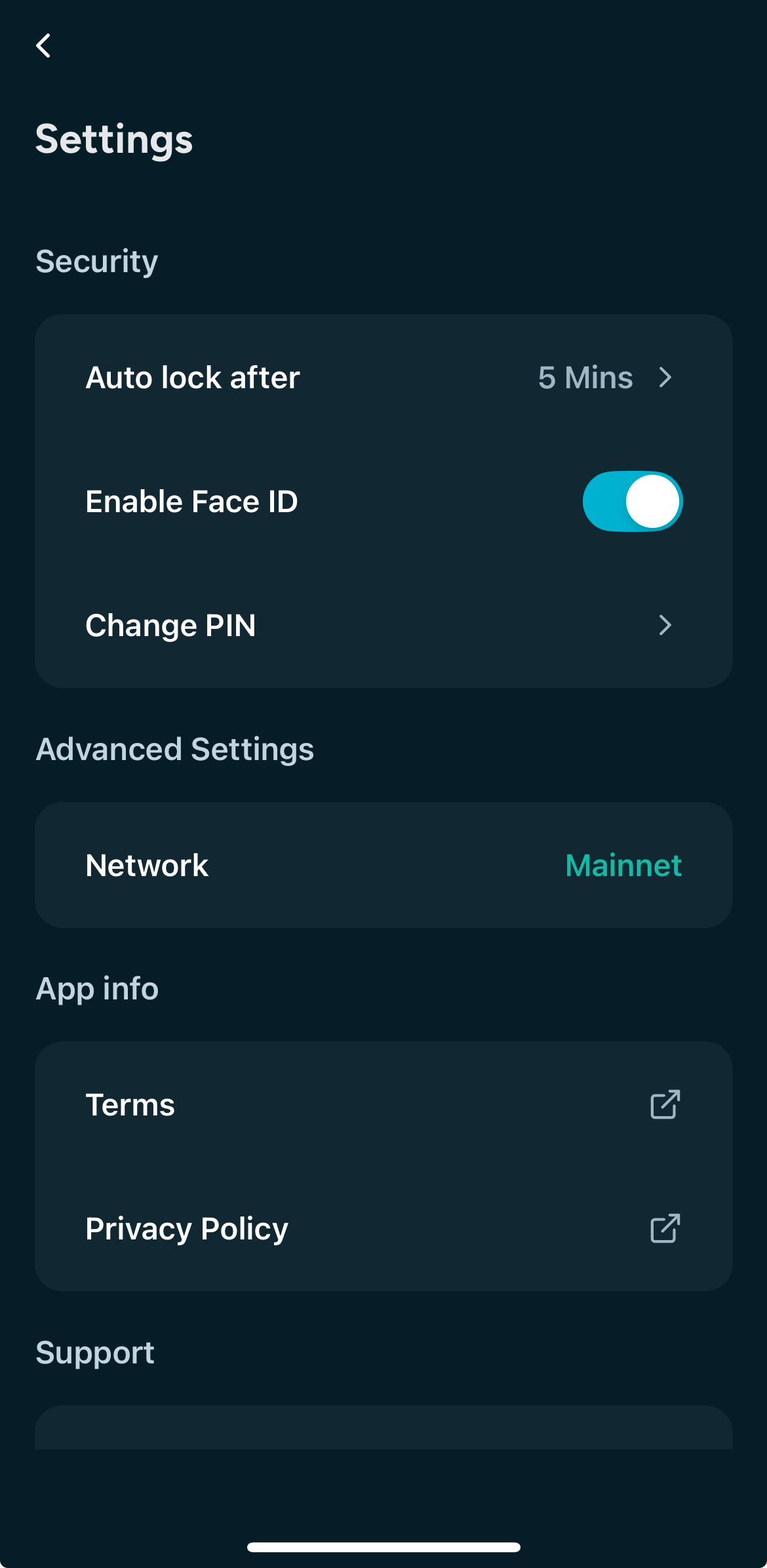
Kastle includes built-in security features to help keep your funds safe at all times. These settings include:
- Auto-Lock – Automatically locks your wallet after a short period of inactivity. 👉 For maximum protection, we recommend setting Auto-Lock to no more than 1 minute.
- Biometric Authentication – Use your fingerprint or face ID for quick and secure access.
- Fallback PIN Code – A backup method to unlock your wallet if biometrics are unavailable.
You can manage all these options from the ⚙️ gear icon in the top-right corner of the dashboard.
⚠️ Security Tip
Do not rely on the PIN code alone. The PIN is only a fallback — enabling both Auto-Lock and Biometrics gives you the strongest protection against unauthorized access.
MFA Settings & Autolock
Kastle includes built-in security features to help keep your funds safe at all times. These settings include:
- Auto-Lock – Automatically locks your wallet after a short period of inactivity. 👉 For maximum protection, we recommend setting Auto-Lock to no more than 1 minute.
- Biometric Authentication – Use your fingerprint or face ID for quick and secure access.
- Fallback PIN Code – A backup method to unlock your wallet if biometrics are unavailable.
You can manage all these options from the ⚙️ gear icon in the top-right corner of the dashboard.
⚠️ Security Tip
Do not rely on the PIN code alone. The PIN is only a fallback — enabling both Auto-Lock and Biometrics gives you the strongest protection against unauthorized access.
MFA Settings & Autolock
Kastle includes built-in security features to help keep your funds safe at all times. These settings include:
- Auto-Lock – Automatically locks your wallet after a short period of inactivity. 👉 For maximum protection, we recommend setting Auto-Lock to no more than 1 minute.
- Biometric Authentication – Use your fingerprint or face ID for quick and secure access.
- Fallback PIN Code – A backup method to unlock your wallet if biometrics are unavailable.
You can manage all these options from the ⚙️ gear icon in the top-right corner of the dashboard.